Logiciels & PMS
Hotel Kids Club: how to manage bookings and time slots?
4
min de lecture
-
02 November 2026

At 9:30 a.m., three families ask for a spot in the Kids Club for the morning. The 10:00 a.m. slot is already nearly full; one booking was made at the front desk the day before, and two other requests are coming in by phone.
For a family-friendly hotel, organization can quickly become complex: parents need to know availability, while staff need a reliable schedule to manage capacity and prepare activities.
Clear booking rules and a schedule that is accessible both before and during the stay help distribute registrations more effectively and reduce repetitive inquiries at the front desk.
Before publishing a schedule, the hotel must set the conditions for each activity.
Parents need to know the times, age range, activity duration, any applicable fees, and registration procedures. It should also be specified whether advance booking is required and the deadline for doing so.
The capacity for each slot depends on the Kids Club's setup: available space, the number of staff on duty, the type of activity, and the establishment's supervision requirements.
This information must remain consistent across all channels used by the hotel.
A time slot advertised as 10:00 a.m. in theA digital room directory and 10:30 a.m. at the front desk quickly leads to extra questions. Centralizing information allows teams to update the same content whenever a time or activity changes.
A Kids Club open from 9:00 a.m. to 6:00 p.m. can operate with specific arrival windows rather than continuous drop-offs.
For example, a creative workshop could be offered from 10:00 a.m. to 11:30 a.m., followed by an outdoor activity from 2:00 p.m. to 4:00 p.m. The team then knows how many children to expect and can prepare the materials or spaces accordingly.
Some establishments opt for a more flexible approach. The Domaine du Mas de Pierre, for instance, offers a service that allows parents to choose between one hour, two hours, a half-day, or a full day.
The right format depends primarily on the actual usage of the service.
High demand between breakfast and lunch may justify several morning sessions. An activity requiring more preparation can be concentrated into a longer slot in the afternoon.
After a few weeks, occupancy rates allow you to adjust the schedule based on family habits rather than estimates.
Parents often plan part of their schedule before arriving at the hotel.
The Kids Club can therefore be introduced during the pre-stay phase, including opening days, available time slots, age requirements, and registration conditions.
This approach aligns with that of extras to offer before arrival. For a family, knowing Kids Club availability can influence the planning of a lunch, a spa treatment, or an activity scheduled by the parents.
Some hotels already have very specific rules in place. At the Disneyland Hotel, for example, access to the Royal Kids Club is limited to a maximum of two hours per day, subject to availability.
Presenting these conditions in advance prevents a surge of requests at check-in.
Families can prepare for their stay earlier, while staff gain initial visibility into the number of children expected.
Difficulties often arise when registrations come in through multiple channels: phone, front desk, activity staff, or messages sent before the stay.
Without a shared schedule, two staff members might assign the last available spot at the same time.
Every booking must therefore be recorded in a single system, including the chosen time slot, the number of children registered, and any changes or cancellations.
This organization becomes particularly useful during school holidays or when multiple activities are running in parallel.
It is part of the broader goal of digitizing repetitive tasks at the front desk : a booking recorded in the right place reduces the need for calls, verification, and re-entering data for the same request.
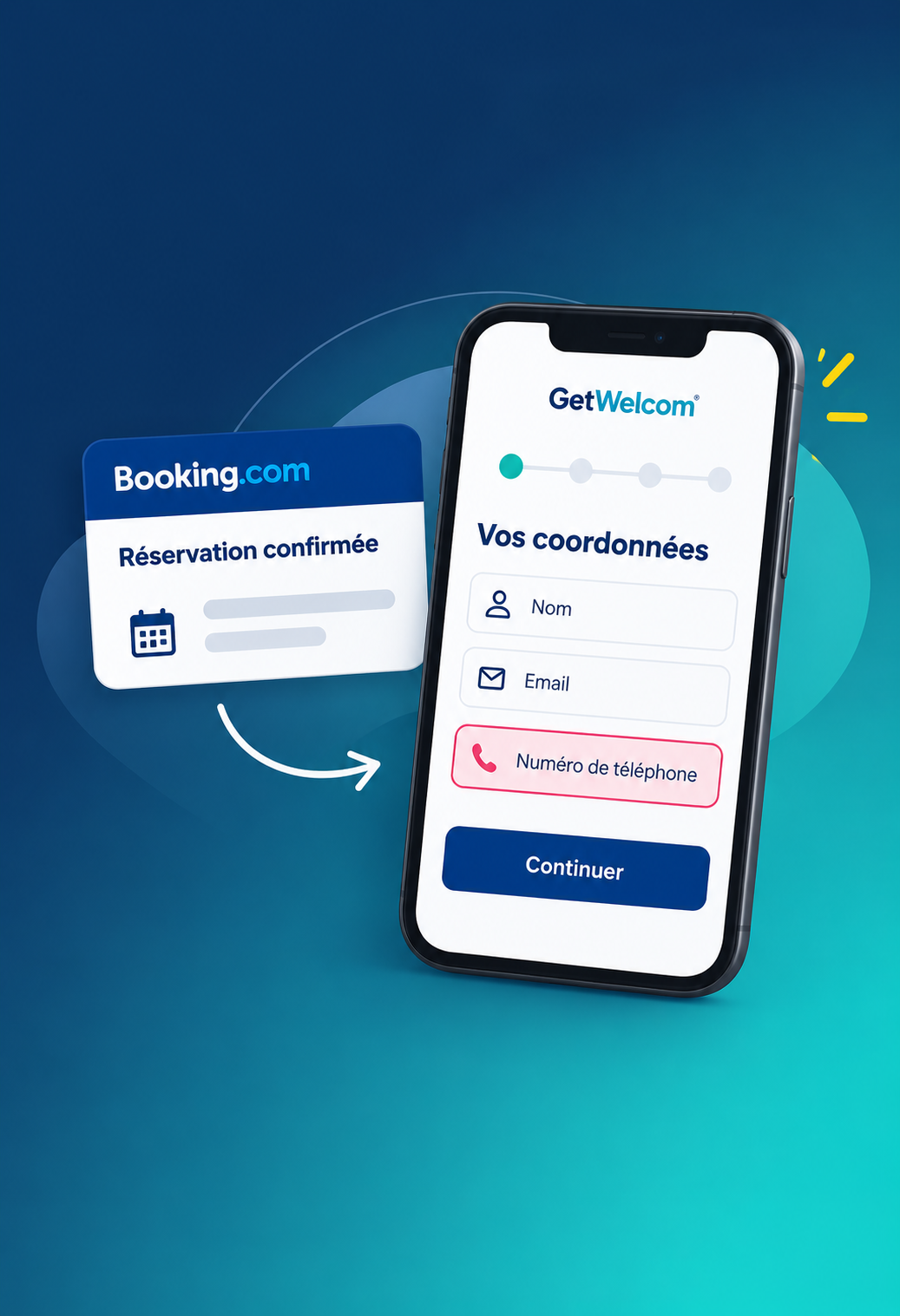
TheGetWelcom Guest App allows guests to view the property's services and book activities from their phones.
For a Kids Club, the program can showcase the activities offered, their schedules, and the necessary information before registration.
GetWelcom already uses this logic in its solutions for leisure accommodations, where families can view Kids Club time slots and register their children directly from the Guest App.
For the hotel, this allows the program to be offered within the digital environment that guests are already using during their stay.
For parents, information remains accessible from their phones without having to call the front desk every time they want to check a schedule or availability.
The schedule must be visible at the moment families are looking for an activity.
Before arrival, the Kids Club can be featured in communications sent to families or in pre-stay information.
On-site, the program can remain accessible via the Guest App or the Room Directory.
A QR code placed near the Kids Club, the pool, or in an area frequented by families can also open the relevant page directly. Our article on QR code placement in hotels details this approach.
The text accompanying the QR code should clearly state where it leads. A phrase like "View the Kids Club schedule" immediately indicates what the guest will find after scanning.
The highlighting extras and activities can also help present certain services to the most relevant profiles, especially families.
The Kids Club schedule can evolve throughout the season.
A workshop that is rarely full can be moved to a different time. An activity that is fully booked for several days in a row may justify an additional time slot if the establishment's resources allow it.
A few indicators are generally enough to guide these adjustments: occupancy rates, most popular time slots, cancellations, and the most booked activities.
Guest feedback also provides useful information. A customer satisfaction measurement can display notes regarding schedules, seat availability, or the activities on offer.
The team then has concrete data to adjust the program during the season or prepare for the next one.
With the GetWelcom Guest App, families can view the property's activities and make bookings directly from their phones. Information remains accessible before and during their stay and can be updated from the back office.
The same space can also showcase other services and extras available during the stay.